
WordPress 7.0 (codenamed “Armstrong”) has officially arrived, and it’s a big one. The open-source CMS has grown into the web’s silent partner, with the latest estimates putting it at powering 43% of all websites. So, a WordPress update of this magnitude will have a major impact online.
The major highlights include the following.
- Built-in AI Architecture
- Centralized AI Connectors to engines such as OpenAI (ChatGPT), Anthropic (Claude), and Google (Gemini)
- A modernized admin interface (finally)
- Visual Revisions
- Advanced Responsive Controls & Mobile Layouts
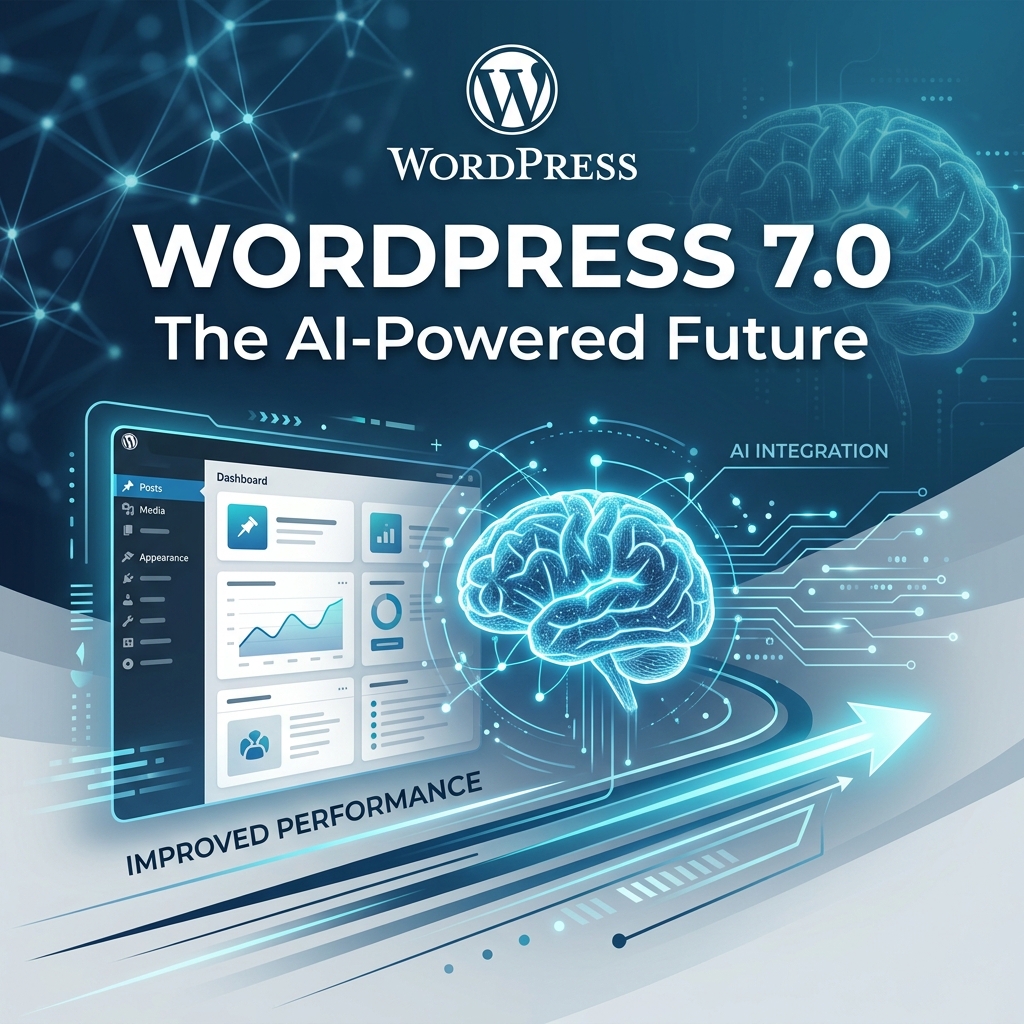
WordPress was born on May 27, 2003, when the web was young and innocent (well, maybe not that innocent). Since then, updates have been released that aligned with the tech trends of their respective release times.
For example, WordPress 6.0, released almost three years to the day, put a major emphasis on performance and accelerated page-load routines. These upgrades were in direct response to Google’s post-pandemic shift toward web speed and Core Web Vitals as a primary SEO ranking factor. So it’s no surprise that WP 7 revolves around, you guessed it, artificial intelligence (AI).
Let us break down exactly what WordPress 7.0 brings to the table, ditch the confusing technical jargon, and explore how these new features can save you time, improve your website’s performance, and help your business grow.
Big Changes That Save You Time and Effort
The main goal of any good software update is to remove friction from your day. WordPress 7.0 introduces a few major features that act as extra hands for your business.
Bring AI Directly to Your Dashboard
Artificial Intelligence is changing how small businesses operate, helping owners write better product descriptions, draft engaging blog posts, and brainstorm marketing ideas. Until now, you probably had to keep a separate browser tab open for your favorite AI tool, copying and pasting text back and forth into WordPress.
WordPress 7.0 changes this by introducing the AI Connectors Screen. This is a dedicated section in your website’s admin panel where you can securely connect your preferred AI services.
Instead of jumping between different apps, you can bring the power of AI right into your website’s drafting room. Whether you want to generate quick summaries for your articles or get help outlining a new service page, these integrations are designed to speed up your workflow. And if you prefer to keep your website completely disconnected from AI, WordPress includes a simple off-switch to turn off these features entirely.
Work Faster with the Command Palette
Time is money, and clicking through five different menus just to add a new page to your site is a waste of both. WordPress 7.0 makes the Command Palette much easier to access.
By simply pressing a quick keyboard shortcut Command+K on a Mac, or Control+K on a Windows PC, a small search bar will pop up on your screen. You can type exactly what you want to do, like “Create new post” or “Go to widgets,” and WordPress will instantly take you there. It is a tiny detail, but once you get used to navigating your site with a few keystrokes, you will wonder how you ever managed without it.
Invisible Upgrades That Keep Your Site Safe and Fast
Not every update is something you can see and click on. A huge portion of the WordPress 7.0 release happens entirely under the hood. While developers talk about things like “PHP client packages” and “OPCache,” what this really means for your business boils down to speed and security.
A Faster Engine for Your Website
Imagine trying to deliver packages in a delivery van that has not had an oil change in five years. It might still run, but it will be slow, inefficient, and prone to breaking down.
The technical updates in WordPress 7.0 are like a premium tune-up for your website. The underlying code has been cleaned up and modernized. When your website runs faster, your customers have a better experience. They do not have to wait for your product images to load, and they can navigate your contact pages smoothly. Search engines also love fast websites, meaning these invisible technical updates can actually help your business show up higher in search results.
Simplified Site Health Monitoring
WordPress has a built-in “Site Health” tool that acts like a dashboard warning light for your website. In version 7.0, this tool has been upgraded to give clearer insights into your server’s performance. You do not need a degree in computer science to understand it. If something is running slowly, the Site Health tool is now better equipped to flag the issue so you, or your hosting provider, can fix it before your customers notice.
What Didn’t Make the Cut: Real-Time Collaboration
At the last minute, Real-time multi-user collaboration was dropped from WordPress 7.0! This was supposed to be the flagship feature for this release. So there has been a little controversy in the geek-o-sphere. Here is how it was supposed to work.
If you have ever tried to write a blog post or update a sales page while your business partner or employee is also making changes, you know how frustrating it can be. You end up accidentally overwriting each other’s work or passing clunky Word documents back and forth through email.
WordPress 7.0 introduces Real-Time Collaboration. This feature works exactly like Google Docs. Multiple people can open the same page or post simultaneously and edit it together safely. You will see where your team members are typing, making it incredibly easy to co-author articles, fix typos, and refine your marketing message as a group.
This feature is completely optional. If you prefer to write in peace, you can easily toggle off collaboration notifications to keep your workspace quiet and distraction-free. For small teams, this means no more waiting for someone to “close out” of a post so you can fix a quick spelling error.
Why Was It Removed?
According to reports from WordPress development, they did not feel the Google Docs-style editing feature was stable enough for core integration. The performance tests indicated heave server loads and poor memory efficiency. However, it is not being permanently abandoned. The developer community aims to include Real-Time Collaboration in the upcoming, and yet to be defined, WordPress 7.1.
WordPress 7.0 is a massive step forward, built to help you spend less time wrestling with technology and more time running the business you love. Embrace the changes, try out the WordPress Playground, and get ready for a faster, smoother website experience this April.
Contact us if you have any questions or concerns about WordPress 7.0!